Hi, I have finished my book but at 260,000 words I am splitting it into two books as it was a dual timeline anyway.
So now I have to start a new project and copy half the chapters over, but half of the characters are not needed in the sequel.
Can I copy the character data base or somehow copy them individually into a new database?
I have managed to open the character database in the second project but if I delete a character it deletes it from the original project too, which I obviously don’t want as there will be further projects with those characters in them.
I would prefer to copy the whole thing and delete the characters I don’t need, rather than having to copy them individually to a new database. But if I have to I have to.
Or do I just have to start a totally new database and re write it all?
Wow, congrats! Did moving the chapters into a new file go smoothly?
If you’ve already made a Papyrus project for the second book, you can just go to your original project’s folder and copy the “My Characters” folder into the new project’s folder.
That way the new project has its own copy of the character database you can add to and edit, and the original is not affected.
your projects are saved in the “My Documents” folder of your computer by default.
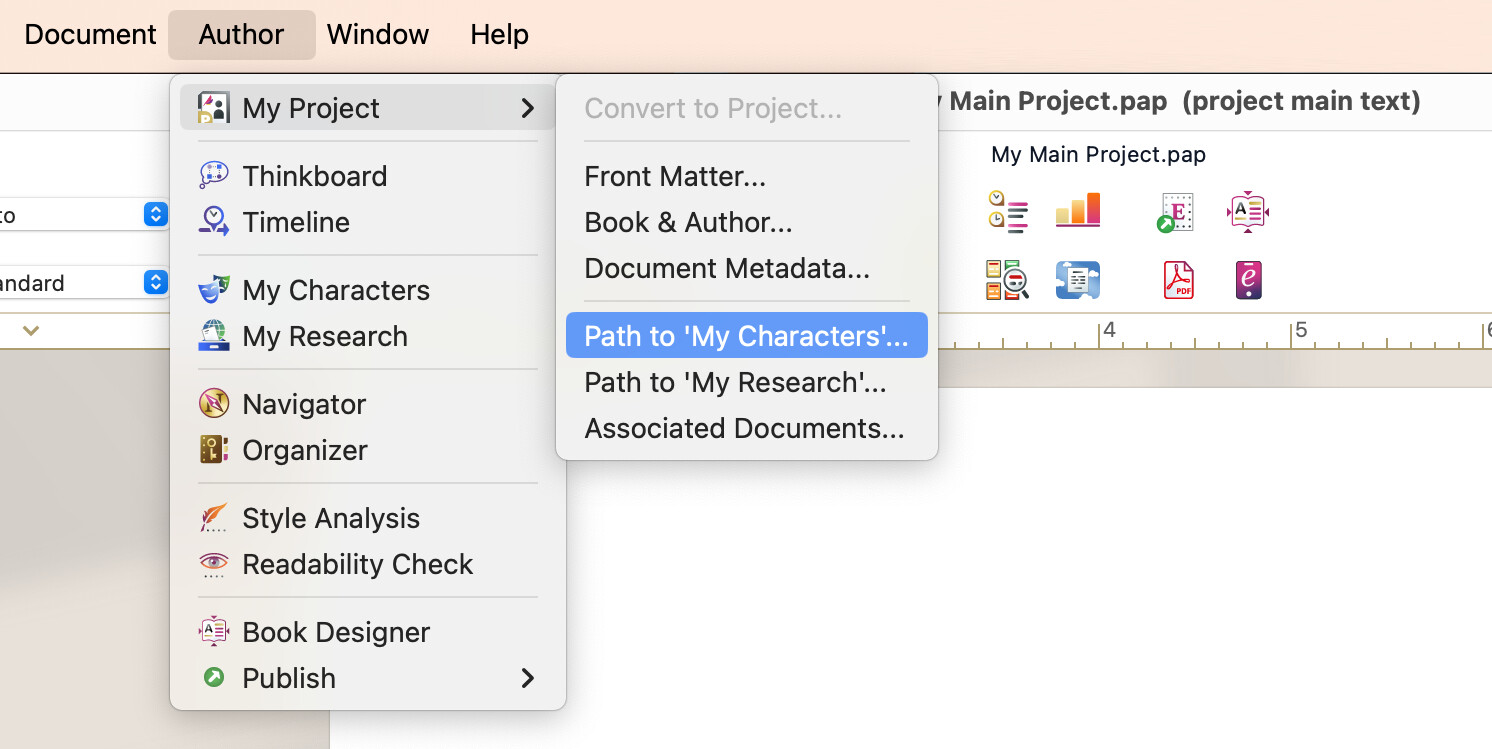
If the new project is pointing to the old database, you can switch it with these steps:
Go to “Author” → “My project…”
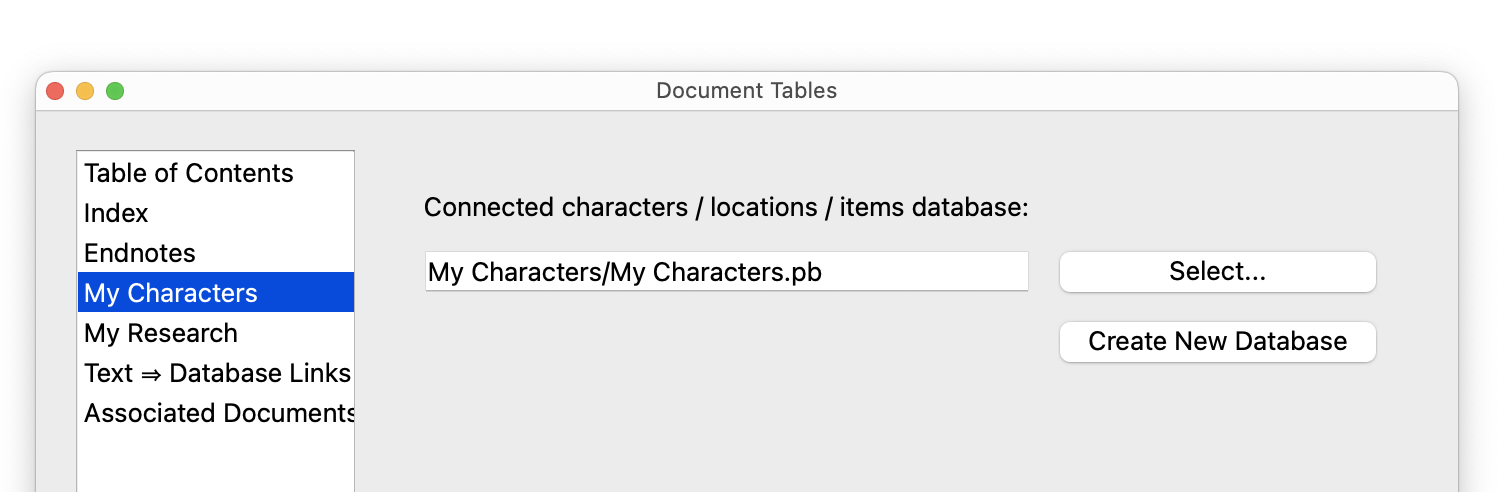
Click “Select…” next to the character database’s path.
Navigate to the new project’s “My Characters” folder
 your projects are saved in the “My Documents” folder of your computer by default.