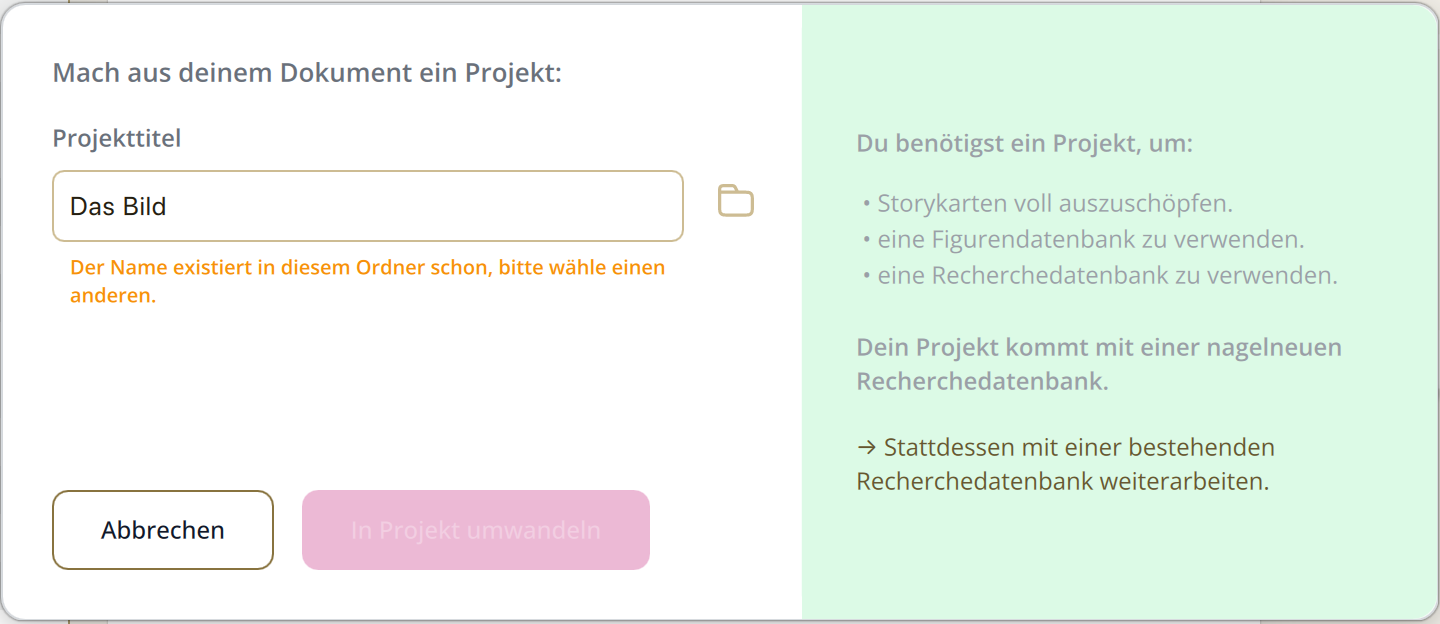
I just have written 3 chapters and wanted to add a “Recherche”. After adding my first Recherche, I clicked back into my document and then a message pops up: “Make a project out of your document.” I was a bit suprised since I already created my project and called it “Das Bild”. So it was impossible to create a new Recherche database in my project, I tried “Das Bild - Recherche” and then I got the error that my linked document could not be found. Within the project folder it creates a “DB Recherche” folder, but still I need to create a whole new project name which changes the name of my whole main document name to another one I do not need and want. After that, I have the issue that it creates some kind of headline above my first one called “Dokument - globale Quellen” and it creates a complete new folder with a copy of the whole project.
I’ve got an idea what might’ve caused this. Have you worked on this project in both the English and German versions of Papyrus?
If so, the project may have been expecting the English “My Research” database instead of the German “Meine Recherche” one. When it couldn’t find it, Papyrus tried to create a new Research database instead.
It’s a quick fix, you can reconnect the original database with these steps:
Open the project you’re working on.
Go to “Author” → “My Project” → "Path to “My Research” ( “Autor” → “Mein Projekt” → Pfad zu „Meine Recherche“)
Click Select and navigate to the folder of your original project.
Open My Research folder, and select My Research.pb. If you originally created the project in German, look for Meine Recherche → Meine Recherche.pb instead.
You should now see the correct path in the dialog. Click Apply, and Papyrus will reconnect the original Research database to your project.
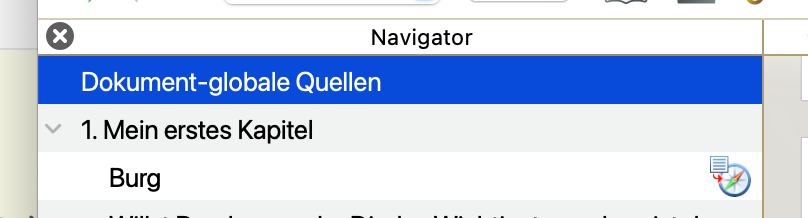
The “Dokument-globale Quellen” entry you’re seeing in the Navigator is another part of Research. It’s where you can keep sources that apply to the whole document rather than to one particular chapter. You can collapse or expand it with the little arrow next to it, and add global sources there with a right-click.
So in short, I think the language switch is what caused the confusion here. Papyrus was looking for a German Research database instead of an English database that already belonged to your project.
Both German and English Research databases work perfectly fine, and you can connect them regardless of which language you’re currently using in Papyrus.
sorry for any confusion with the language switch. I’m using Papyrus in German but I thought asking the forum in English might be a better idea. So, I wasn’t aware of “Autor → Mein Projekt → Meine Recherche”. It seems that the path to my reseach was somehow deleted and so it created multiple errors. No it works again. And since I couldn’t find any information about the “Document Global Sources” in the manual, I thought it was an error, too.